
What's New in Ecotopia Data Center 7.0.0
New Features
New Subscription Status
The new subscription status naming system and reorganized functionality areas for each status make it easier for users to manage devices in different status.
Old Subscription Status | New Subscription Status | Available Features | Charged Fees |
|---|---|---|---|
| Active | Subscribed |
|
|
| Inactive | Unsubscribed |
|
|
| Suspended | Archived |
| Cloud Service |
| Terminated | Deleted |
| No fees |
More status indicators
More categories of status icons and descriptive text provide users with a more clear and more intuitive understanding of the device's status.
| Icon | Description |
|---|---|
 | The device is turned on. If the icon is not displayed, it indicates that the device's power status is unknown. |
 | The device is turned off. If the icon is not displayed, it indicates that the device's power status is unknown. |
 | High battery (above 90%) |
 | Medium battery (between 30% and 90%) |
 | Low battery (below 30%) |
 | Battery unknown. Please check again after the device communicate with the server |
 | Normal temperature (between -10℃ and 50℃) |
 | High temperature (above 50℃) |
 | Low temperature (below -10℃) |
 | Temperature unknown. If the device supports temperature measurement, please check again after the device communicate with the server |
 | Abnormal activity, animal death or device detachment, or air leakage in the device |
 | Renewal Plan covered |
 | Renewal Plan not covered |
 | Data Subscribed |
 | Data Unsubscribed |
 |
|
 |
|
 | Grey indicates that this type of data is not subscribed |
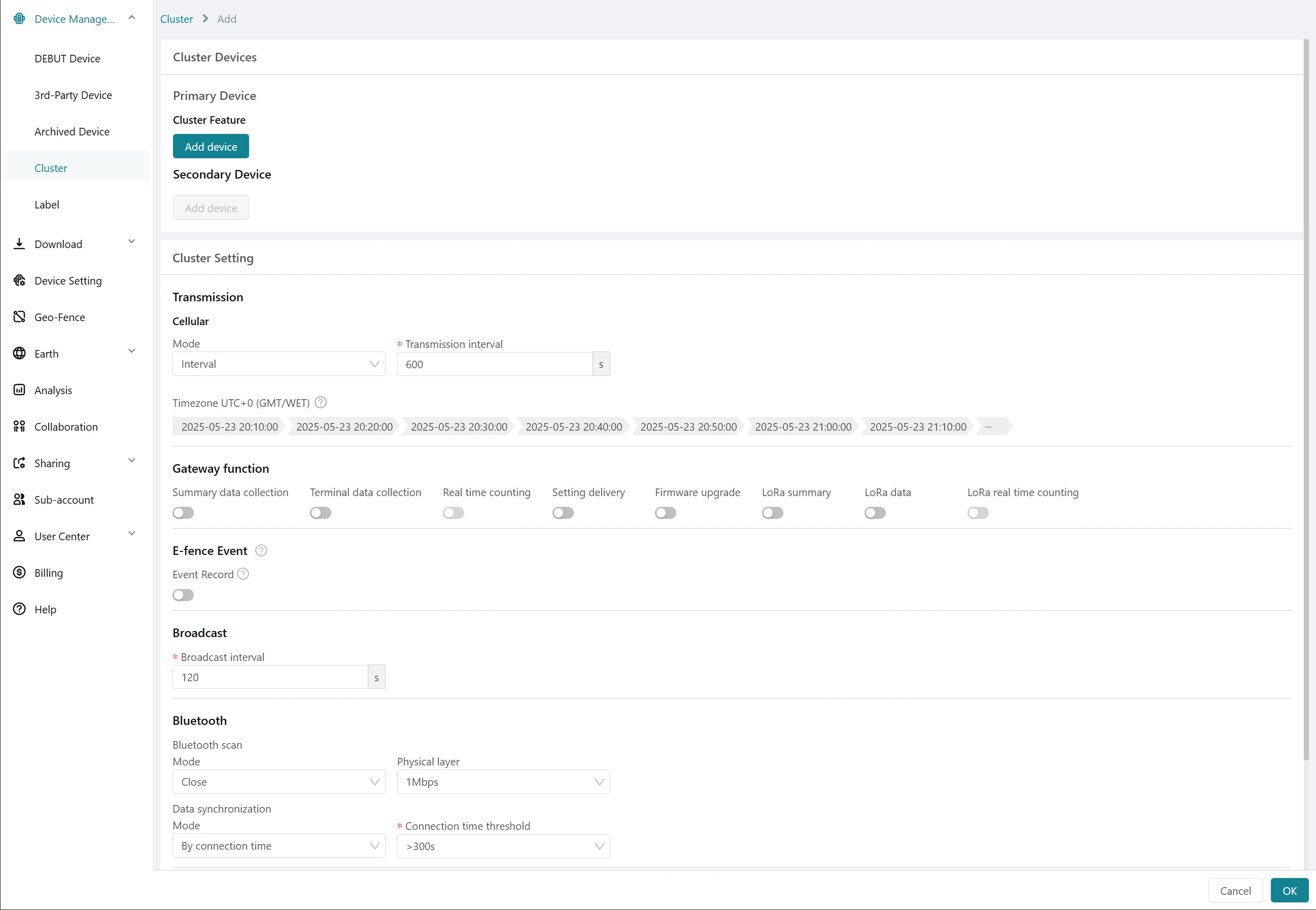
The Cluster
Users can now use the Cluster feature to organize multiple devices into a collaborative network, where devices manage themselves according to the configured settings. For detailed information on the Cluster feature, click here.
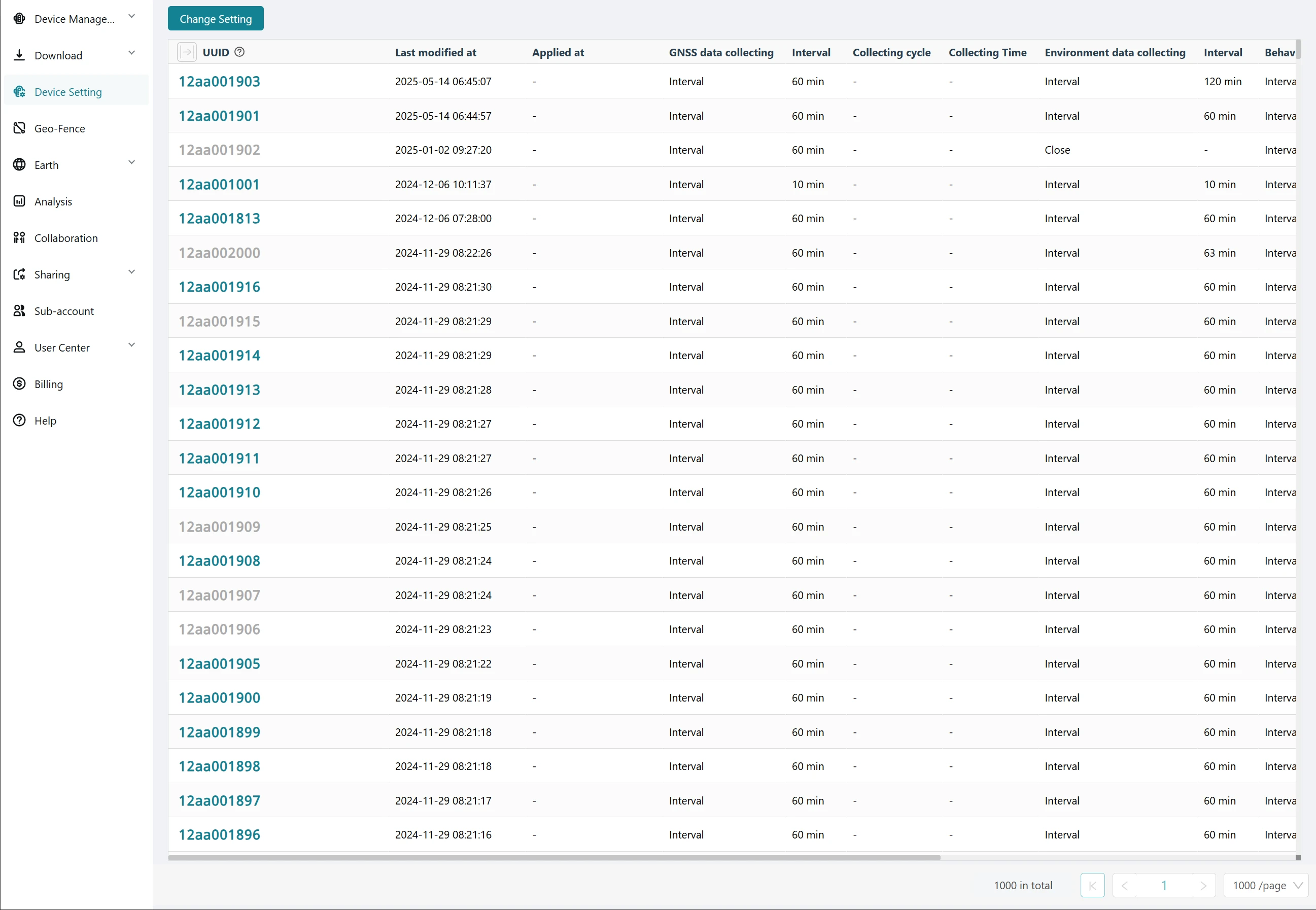
New Device Setting Interaction
Each time a user changes and submits a setting, Ecotopia platform generates a new record, making it easier for users to view the complete setting history.
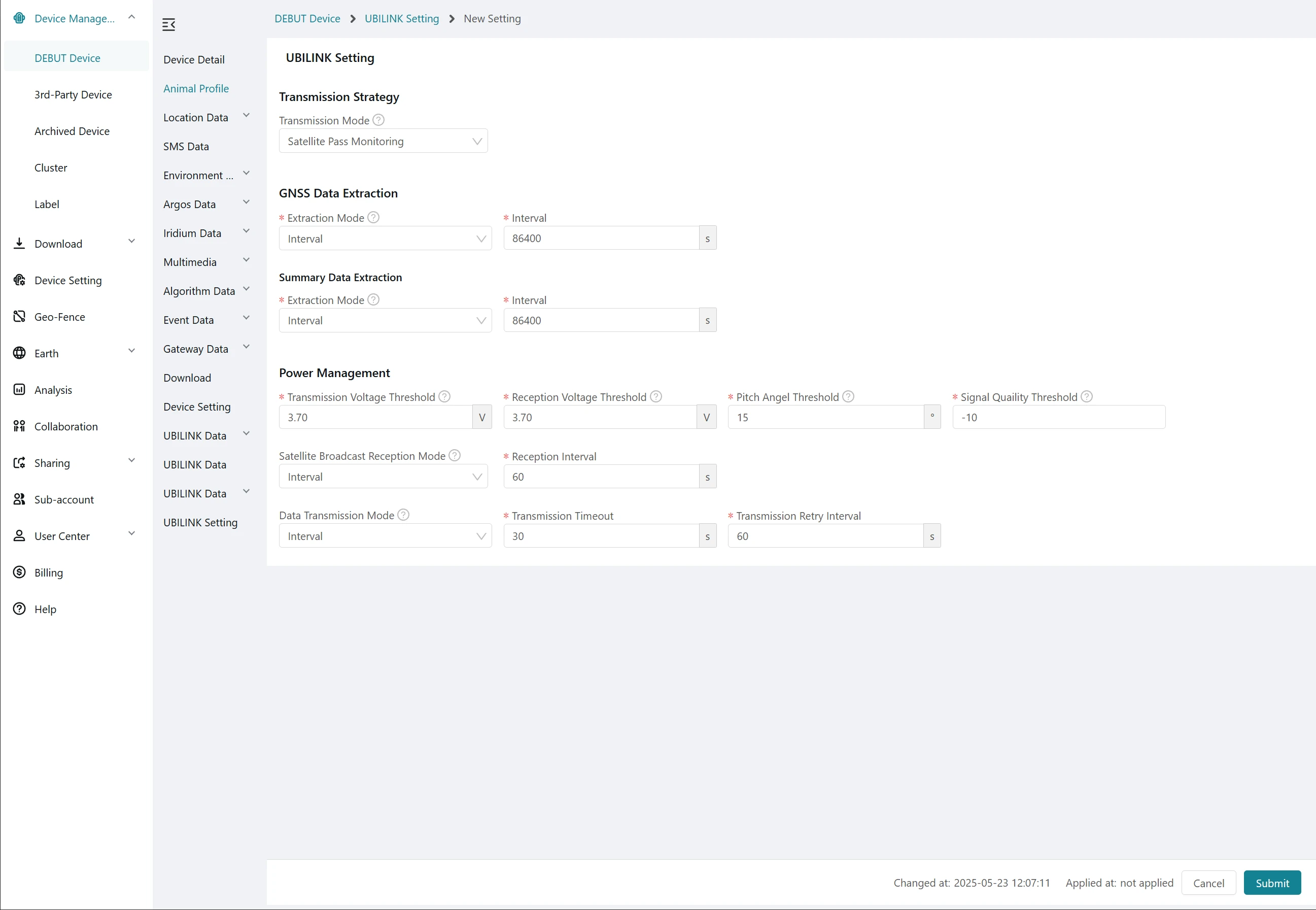
UBILINK Device Management
Users can now view data from UBILINK devices and manage their settings. UBILINK stands for "Ubiquitous Link"—a satellite-relayed communication technology that enables data exchange between devices and servers. It overcomes geographic limitations and provides coverage in network blind spots such as polar regions, oceans, and deserts, ensuring reliable, long-distance, and cross-time-zone monitoring for wildlife tracking and other critical applications.
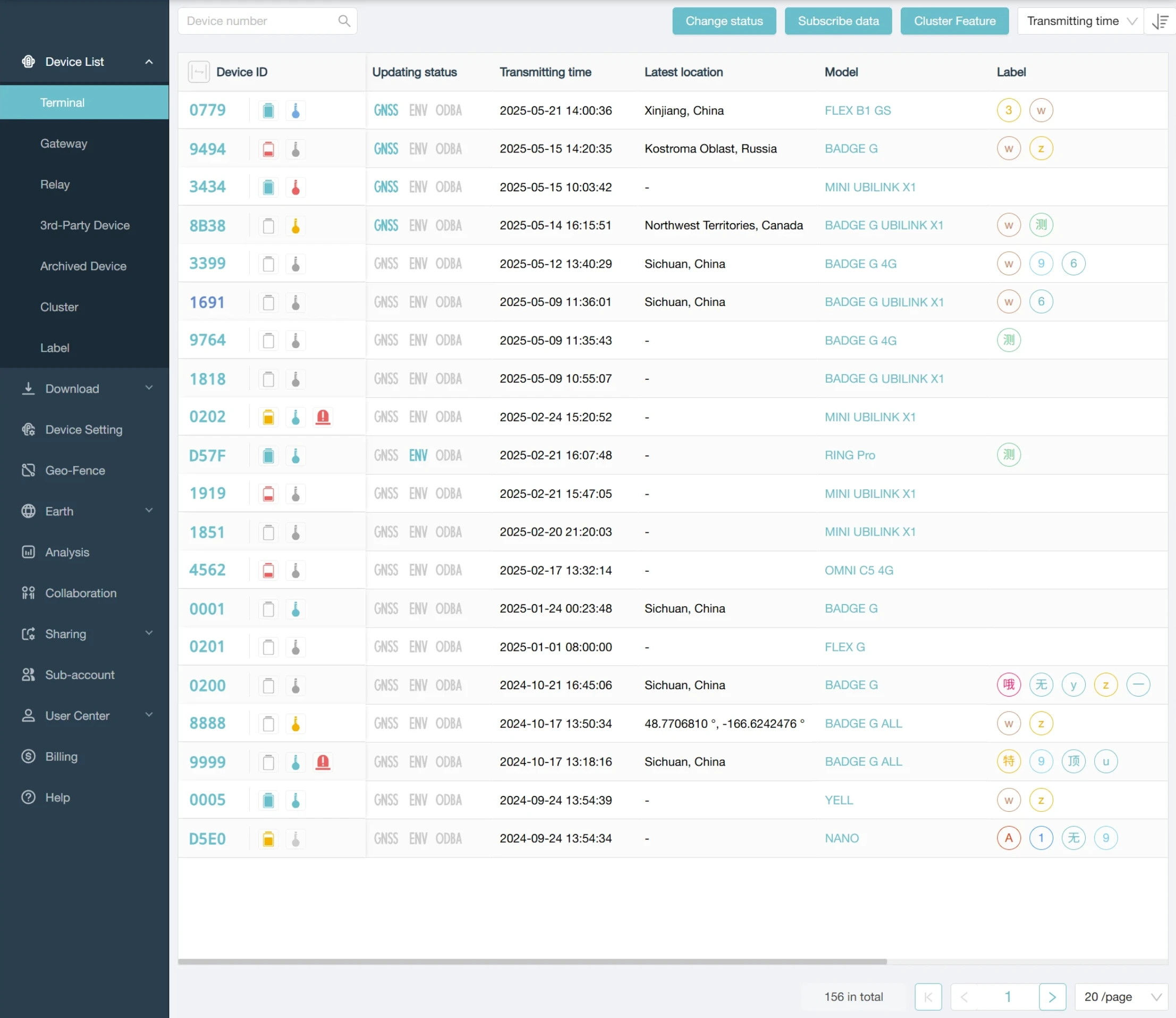
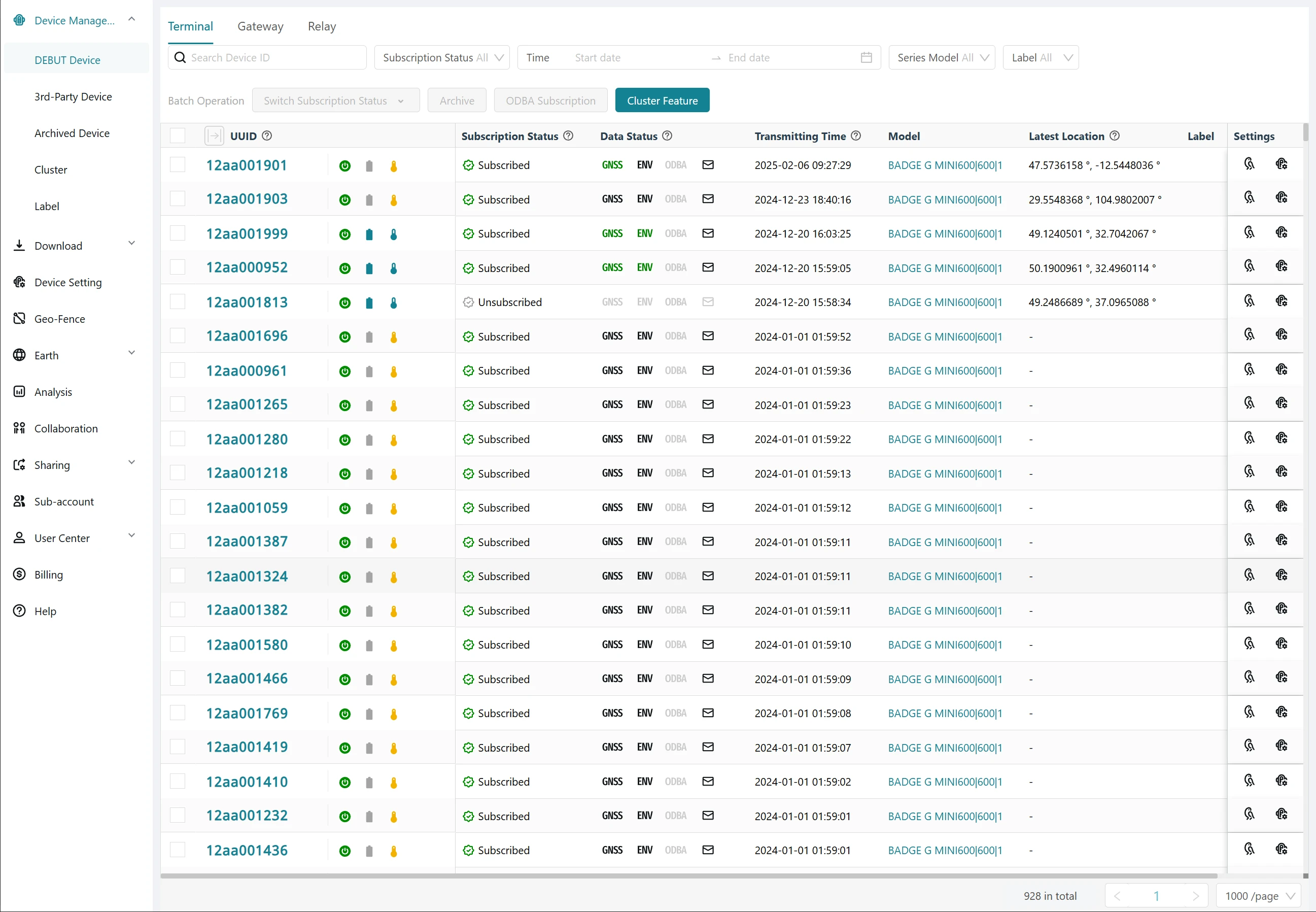
New Theme Color
The more distinct color contrast makes it easier for all users, including those with different visual needs, to distinguish interface elements.
Before:
Now:
New Menu Structure
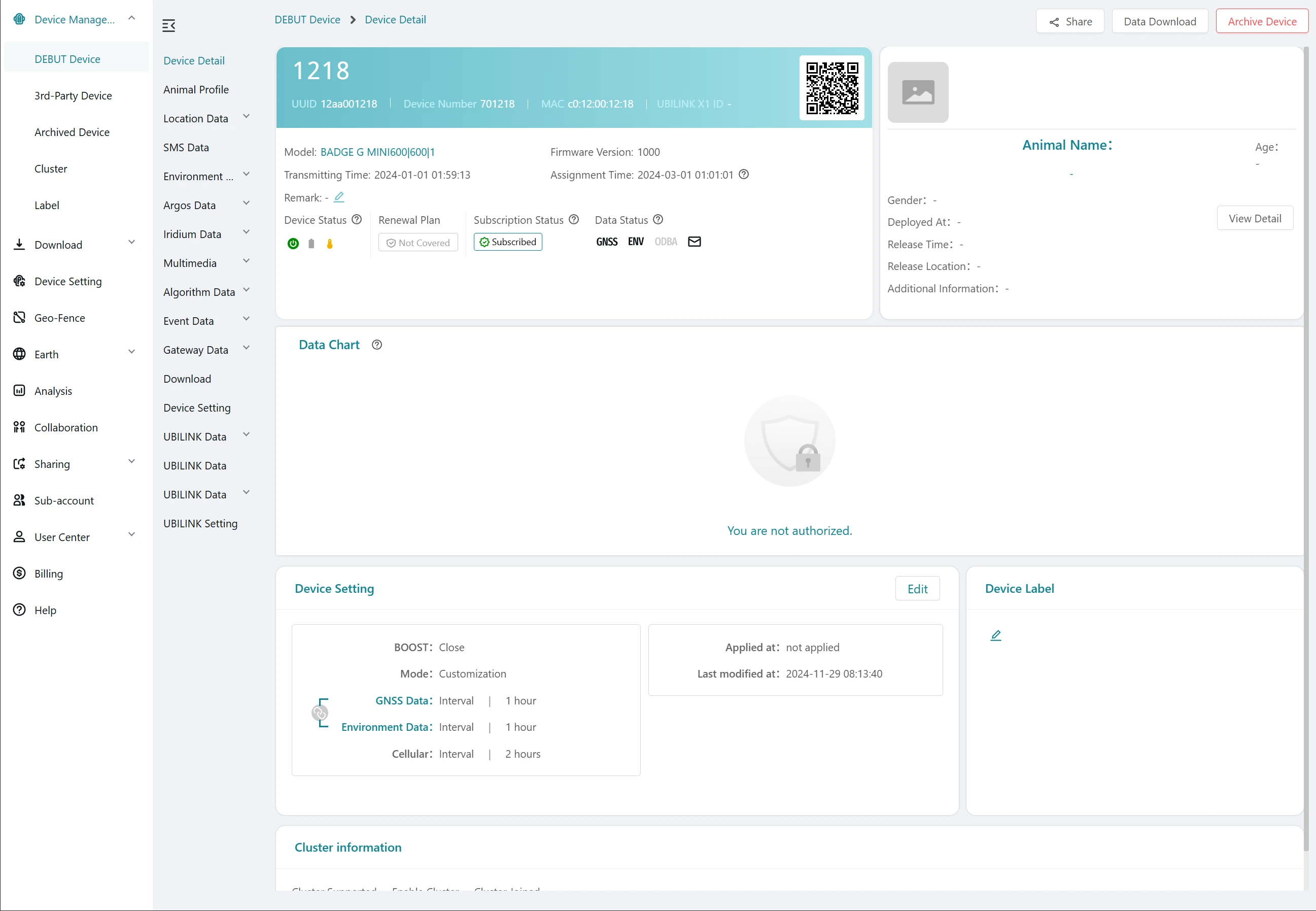
A new horizontally expandable secondary menu makes it easier for users to identify their current browsing location, enhancing usability. You can click the  icon in the top-left corner of the menu bar to collapse the menu.
Before:
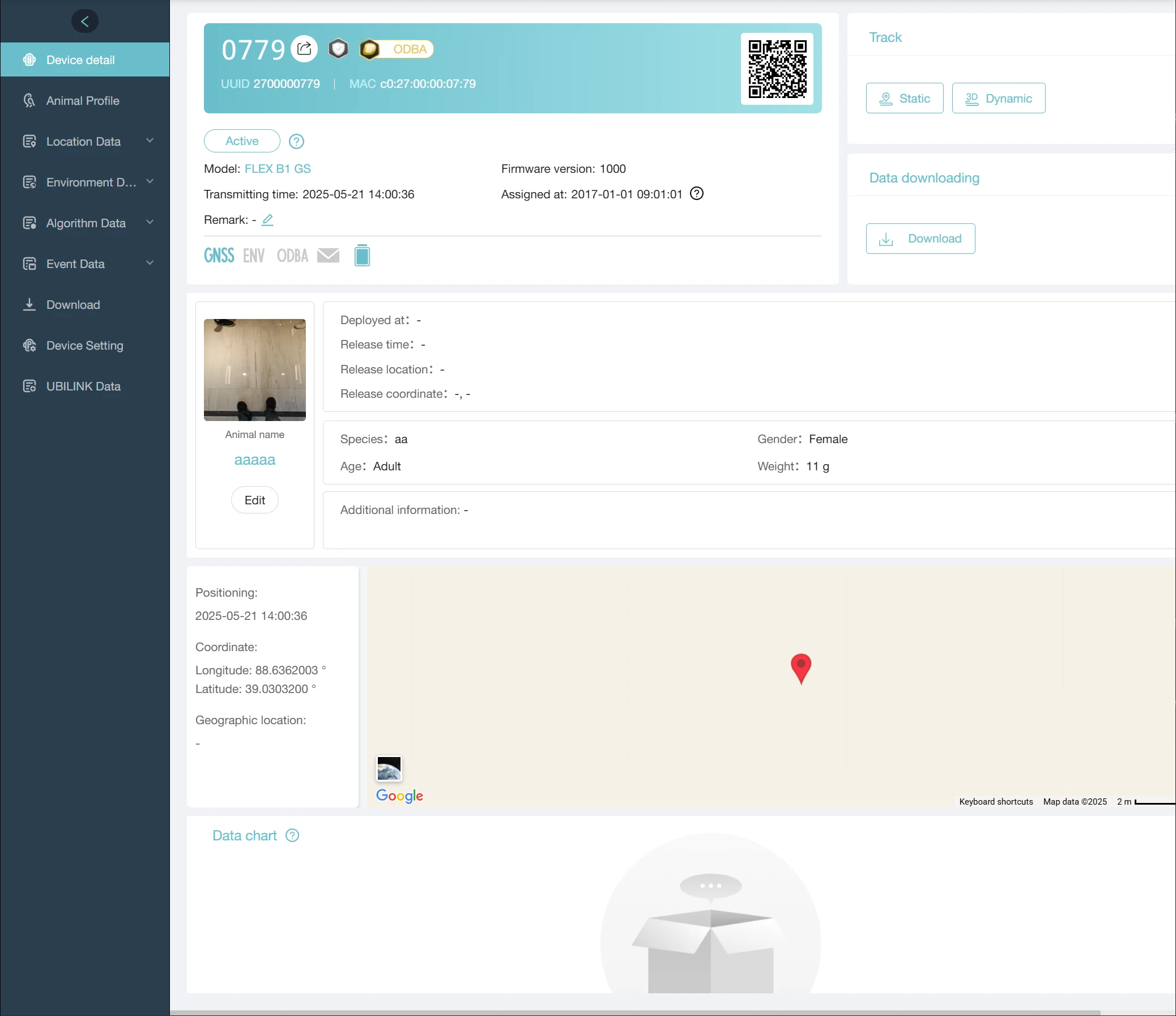
Now:
Coming Soon
New Animal Card
The new animal profile card based on UAID (Unique Animal ID) significantly enhance the independence and operability of biological data, making it easier to manage, analyze, and track individual animals across systems and studies.
UBILINK Data Integration
Argos and Iridium systems will be integrated into UBILINK communication, offering users more diverse and flexible data services.